
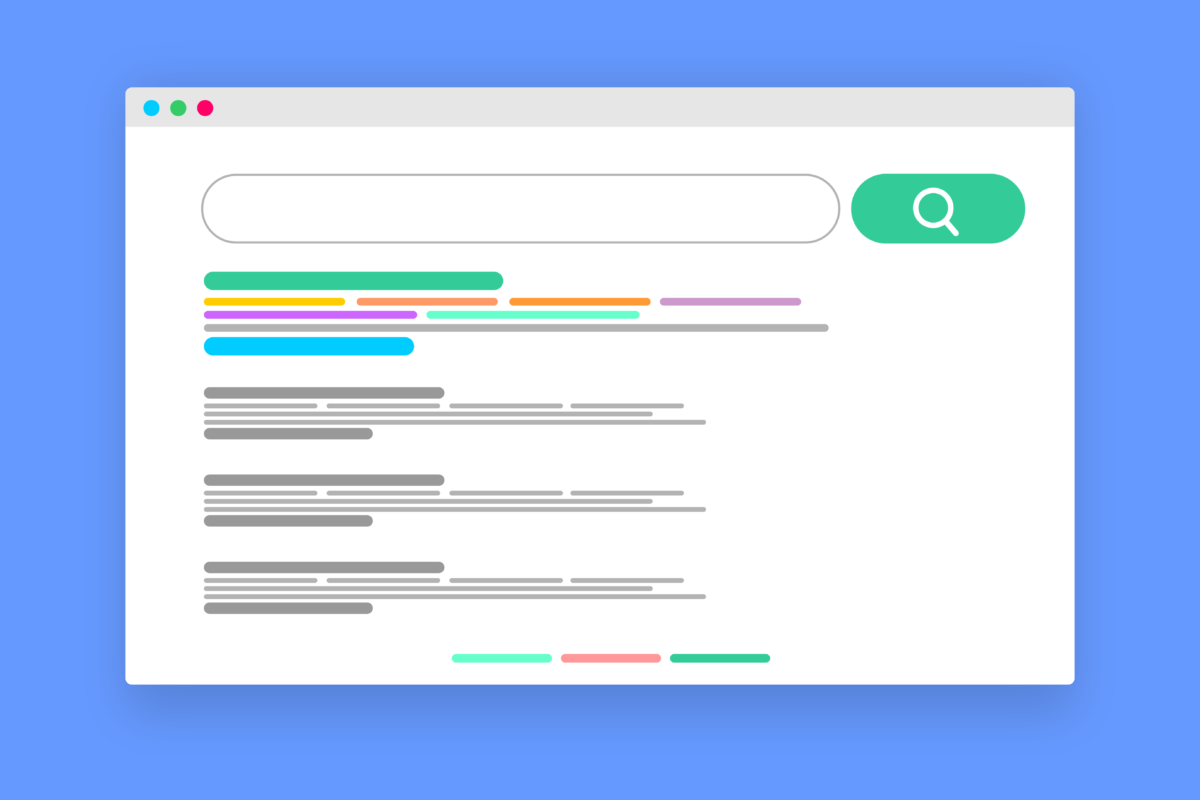
Why You Should Scroll Past the First Result on Google
Summary: Scammers buy ads on Google and other search engines using the names of trusted brands and software, so their fake site shows up at the very top, above the real one. Click it and you can land on a fake page that steals your login or installs malware. You can avoid nearly all of it by skipping the sponsored results and going to the real website yourself.
When you search Google for a program to download or a website to log into, the first thing you see is usually an ad. It sits at the top, marked “Sponsored,” and most people click it without a second thought, because the top result is normally what you wanted.
Scammers count on that. They buy ads on the names of trusted companies and popular software, so their fake site appears right at the top, above the real one, and you click it thinking it’s the official page.
How the scam works
The trick is called malvertising, short for malicious advertising. A scammer buys a search ad for a term people trust, like the name of your bank, a Microsoft login, or a common program such as a PDF reader or a video player. The ad looks normal, with the real brand name and a web address that looks right.
When someone clicks it, they land on a page built to look exactly like the real one. Sometimes that page asks you to log in and hands your username and password straight to the scammer. Other times it offers the software you were after, and the download installs malware instead of the real program.
Why these ads are so easy to fall for
These ads are convincing. They sit above the real result, so they’re the first thing you see. They use the real company’s name and a web address that looks right. And they show up on a search you started yourself, so they don’t feel as suspicious as a random email or text would.
Attackers have also gotten good at hiding from the checks meant to stop them. They show a clean, harmless page to the ad reviewers and the real, malicious page to everyone else, so the ad can pass review and still do damage.
How common is this?
Very. In its 2025 Ads Safety Report, Google said it blocked or removed more than 8.3 billion ads that broke its rules, suspended 24.9 million advertiser accounts, and took down 602 million ads tied to scams. Google also noted that criminals are now using AI to make fake ads faster.
Security researchers have found scam search ads pretending to be well-known programs like VLC, 7-Zip, and CCleaner, and even Google’s own apps, with downloads that installed password-stealing malware. These show up on the everyday searches your team runs.
What this means for your business
For a business, the risk comes up in two everyday situations: downloading software, and logging in.
When someone downloads software, they search for a tool, click the top ad, and install something that steals the passwords and logins saved in their browser.
When someone logs in, they search for “Microsoft 365 login” or their bank, click the ad rather than the official link, and type their username and password straight into a fake page.
In both cases, the problem is info-stealing malware. Once it’s on a machine, it can steal saved passwords, browser cookies, and session tokens, which can get an attacker into accounts even when multi-factor authentication is switched on.
How to protect your team
- Scroll past the sponsored results. The ads sit at the top, marked “Sponsored” or “Ad.” The real website is usually just below, in the normal results.
- Don’t download software from an ad. Type the maker’s web address yourself, or search and use the normal result, then download from the official site.
- Bookmark the sites you log into. For your bank, Microsoft 365, and other important accounts, use a saved bookmark instead of searching each time.
- Keep devices and browsers updated. Turn on automatic updates so a bad download is less likely to work.
- Tell your team this is a thing. Most people have no idea the top result can be a trap, and once they know, they stop clicking it.
Frequently asked questions
Aren’t ads at the top of Google checked and safe?
Google reviews ads and removes billions that break its rules, but scammers still slip through by showing reviewers a clean page and everyone else the malicious one. A “Sponsored” label doesn’t mean the site is safe.
What is malvertising?
Malvertising is short for malicious advertising: scammers buy online ads, often on trusted brand names, to send people to fake sites that steal logins or install malware.
How do I download software safely?
Go to the maker’s official website by typing the address yourself, or search and use the normal (non-ad) result. Don’t download from a sponsored ad, and don’t trust a download that arrives through one.
What should I do if someone clicked a scam ad?
If they only visited the page, close it and don’t enter anything. If they typed a password, change it and turn on MFA. If they downloaded and ran a file, disconnect the device and have your IT provider check it for info-stealing malware.
Does an ad blocker help?
It can. A reputable ad blocker hides many sponsored results, which takes the fake links off the page before anyone can click them. It isn’t a complete fix, so keep the habits above too.
Sources and further reading
- Google: 2025 Ads Safety Report — Google’s own figures on the scale of scam and policy-breaking ads.
- FTC: Online search results — the good, the bad, and the scammy — US consumer guidance on scrolling past ads and downloading software safely.
- BleepingComputer: Malware pushed via Google search ads for VLC, 7-Zip, CCleaner — a real example of scam ads impersonating popular software.
If you’d like to give your team a plain rundown of what a scam ad looks like, or tighten how software gets installed on your computers, your IT provider can help with both. And if you don’t have an IT provider, feel free to reach out to us and we’ll help you sort it.
—
This Article has been Republished with Permission from The Technology Press.
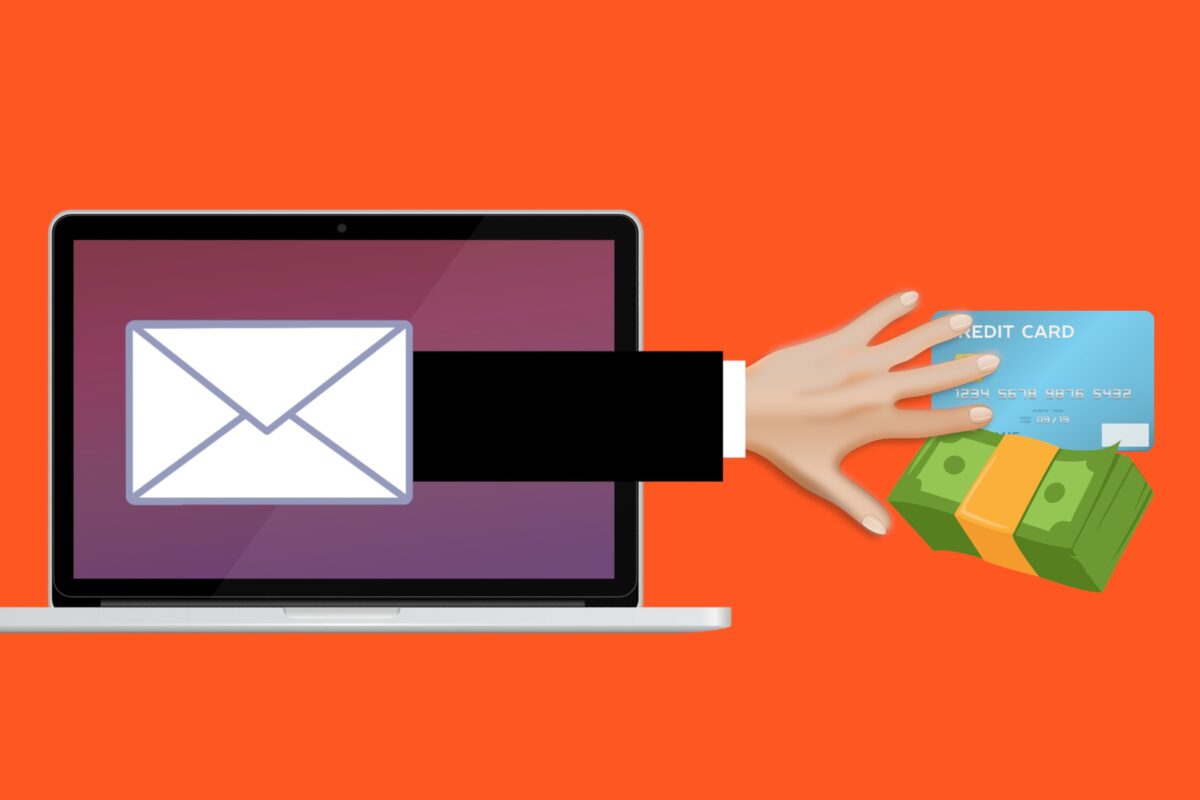
How to Spot a Scam Email Now That They Look Real
Summary: Scammers now use AI to write their phishing emails, so the spelling and grammar mistakes that used to give them away are gone. The UK’s National Cyber Security Centre and the FBI both warn that AI makes these messages cleaner, more personal, and harder to spot. The way to catch them now is to look at what an email is asking you to do, because the writing no longer gives anything away.
For years, the advice for spotting a scam email was simple: look for bad spelling and clumsy grammar. A real bank or supplier writes properly, the thinking went, so a message full of mistakes was probably fake. It was easy to teach, and for a long time it worked.
It doesn’t anymore. Scammers now use AI to write their emails, and AI writes cleanly. The typos and awkward phrasing that used to give phishing away are gone, and the messages landing in your team’s inbox read as well as anything from a real company. Worse, they can be written to sound like they came from someone you already know.
Why the old advice stopped working
The spelling-and-grammar tell worked because a lot of scammers were writing in a language that wasn’t their own, and the mistakes showed. AI took that away.
The UK’s National Cyber Security Centre says generative AI can now create convincing phishing lures “without the translation, spelling and grammatical mistakes that often reveal phishing.” The FBI says the same: criminals use AI to limit the grammar and spelling errors that used to mark a message as fake, so it reads as believable. That means the one thing most people were trained to look for no longer tells you much.
Why these emails are so convincing now
- The writing is clean. A scam email reads like a normal business email, because a machine wrote it in seconds, in whatever tone the attacker asked for.
- It’s personal. Attackers can feed public details about your company into an AI tool, pulled from your website, your team’s LinkedIn profiles, or a press release, and get a message tailored to you: the right names, the right job titles, and a believable reason to be in touch.
- There’s more of it. AI makes each message faster to produce, so attackers send far more. The FBI’s Internet Crime Complaint Center added a section on AI to its annual report for the first time, tied to more than 22,000 complaints and nearly $893 million in reported losses.
These days, the scam email isn’t the obvious one anymore. Instead of “Dear customer, your account is suspended,” someone in your finance team gets a message that looks like it’s from a supplier they really deal with, mentions a real project, and asks to update the bank details for the next invoice. It reads exactly like a real supplier email. The only thing wrong is that the supplier never sent it.
Your spam filter won’t catch them all
It’s tempting to assume your email security will handle this. It catches a lot, and you should keep it switched on. But a well-written, personalized email that asks a normal-sounding question doesn’t always look dangerous to a filter, especially when it carries no obvious bad link or attachment. Both the NCSC and the FBI expect AI to push more of these messages through, which is why the last line of defense is a person who knows what to check.
It’s not just email anymore
AI has done the same thing to phone calls and texts. The FBI warns that criminals can clone a voice from a short audio clip, enough to leave a voicemail that sounds like your boss or a family member asking for an urgent payment. The same thing that makes AI emails so convincing makes AI phone scams convincing too. The defense is the same: if a call or voicemail asks for money or logins, hang up and call the person back on a number you already have.
Here are the signs you should still pay attention to
If you can’t trust how an email is written, look at what it’s asking you to do. That’s where the real warning signs are, and AI hasn’t changed them:
- It asks for money, gift cards, or a payment to a new account.
- It asks for a login, a verification code, or personal details.
- It creates pressure: a deadline, a threat, or a “do this now.”
- It asks you to change the bank details for an invoice or a supplier.
- It comes with a link or attachment you weren’t expecting.
- The display name looks right, but the actual email address doesn’t match it.
Every one of these is about what the email is asking for. So the rule to teach your team is simple: when a message is about money, logins, or how you pay someone, slow down before you act.
How to protect your team
- Check money and login requests another way. If an email asks you to pay a new account or change a supplier’s bank details, call the person on a number you already have. Don’t reply to the email or use a number it gives you.
- Stop telling staff to watch for bad spelling. Tell them to look at what the email is asking for, and to slow down when it’s about money or logins.
- Make one rule for payment changes: confirm every change to bank details by phone, even when it’s urgent.
- Turn on phishing-resistant MFA or passkeys, so a stolen password is harder to use even if someone gets tricked.
- Make it easy to report a suspicious email and make sure nobody feels silly for checking.
- Remind the team now and then that scam emails look perfect these days. A quick five-minute chat beats a poster nobody reads.
Frequently asked questions
Can you still spot a phishing email by bad spelling and grammar?
Not reliably. Attackers use AI to write clean, correct emails now, so a message with perfect spelling can still be a scam. Judge it by what it asks you to do.
What are the warning signs that still work?
The request itself: paying money, changing bank details, sharing a login or code, or being pushed to act urgently. Those signs don’t depend on how the email reads.
Is AI-generated phishing really more effective?
Yes. The NCSC and the FBI have both warned that AI makes phishing more convincing and more personal, and the FBI has tied AI to tens of thousands of fraud complaints and hundreds of millions in losses. Cleaner, tailored messages get opened and clicked more often.
Will my spam filter stop AI phishing?
It will catch a lot, and you should keep it on. But a well-written, personalized email with no obvious bad link can still look legitimate to a filter, so don’t rely on it alone. A trained person is the backstop.
What should staff do if they aren’t sure about a message?
Slow down and check through a channel they trust, like calling a known number or asking the person directly. And report it, even if it turns out to be genuine.
Sources and further reading
• NCSC: The near-term impact of AI on the cyber threat — the UK cyber agency on AI producing phishing lures without the usual spelling and grammar mistakes.
• FBI IC3: Criminals Use Generative AI to Facilitate Financial Fraud — how criminals use AI-generated text and cloned voices, and how it removes the usual signs of fraud.
If you’d like help teaching your team what to watch for, or turning on phishing-resistant logins so a fooled password doesn’t turn into a break-in, your IT provider can set both up. And if you don’t have an IT provider, feel free to reach out to us and we’ll help you sort it.
—
This Article has been Republished with Permission from The Technology Press.

What to Do in Case of a Cyberattack (Step by Step)
Article Summary: If your business is hit by a cyberattack, the first hour matters. Disconnect the affected devices from the network instead of powering them off, call your IT provider by phone, and leave the evidence in place. If money was wired to a scammer, call your bank right away. This post is the step-by-step plan, plus where to report an attack in the US, UK, and Australia.
If a cyberattack hits your business, what you do in the first hour really matters.
It’s also the easiest time to make a costly mistake, like turning off the wrong machine, deleting evidence, or replying from an email account the attacker is already reading.
The steps below tell you what to do, in order, so you’re not guessing in the moment.
Doing these steps doesn’t require technical knowledge.
Before anything else: don’t make it worse
Before you touch anything, avoid these:
- Don’t turn the affected computer off, if you can avoid it. Disconnecting it from the network is better, because powering it down can wipe evidence that helps work out what happened.
- Don’t delete anything. Leave the ransom note, the suspicious email, and any alerts exactly where they are. They’re what your IT team and investigators will need.
- Don’t pay a ransom on the spot.
- Don’t use the hacked email or accounts to talk about the attack. If an attacker is in your inbox, they can read those messages. Switch to phone calls or a different account.
The step by step
Work through these in order, starting the moment you notice something’s wrong.
- Disconnect the affected devices from the network. Unplug the network cable and turn off Wi-Fi on anything that looks affected. This stops the problem spreading to other computers and to your backups. CISA’s guidance is to isolate devices rather than power them off where you can, and to shut a device down only if you can’t get it off the network any other way.
- Call your IT provider straight away, by phone. Don’t email, in case the attacker is watching your inbox. If you have cyber insurance, call them next, because many policies require you to involve their incident team early.
- Leave the evidence alone. Don’t wipe, reinstall, or tidy up the affected machines yet. Screenshots of the ransom note or suspicious emails are useful, but keep the originals too.
- If money was sent, call your bank immediately. Ask them to recall the transfer and freeze it if they can. With wire and bank fraud, acting in the first few hours makes the biggest difference.
- Reset passwords from a clean device, and turn on multi-factor authentication. Start with email and any admin accounts, and use a device you know isn’t affected.
- Report it. That can help you recover, and it’s sometimes legally required. Where to report depends on your country.
Where to report it
You’ve reaWhere you report depends on where you are:
- United States: file with the FBI’s Internet Crime Complaint Center (IC3), and report to CISA.
- United Kingdom: report through the NCSC, and to Action Fraud.
- Australia: report through ReportCyber, or call the 24/7 hotline on 1300 CYBER1.
If money was wired to a scammer, report it fast.
The FBI says reporting wire fraud to IC3 within 72 hours gives its Recovery Asset Team the best chance of clawing it back, and that team recovers funds in about 70% of the cases reported in time.
If personal data about your customers or staff was exposed, you may be legally required to notify a regulator and the people affected, sometimes within 72 hours.
The rules depend on where you operate, like GDPR in the UK and Europe, state breach-notification laws in the US, and the Notifiable Data Breaches scheme in Australia.
Ask your lawyer or IT provider early so you don’t miss a deadline.
Should you pay the ransom?
If it’s ransomware, the big question is whether to pay.
The FBI does not recommend it. Paying doesn’t guarantee you get your files back, it marks you as a business that pays, and the money funds more attacks.
It’s ultimately your decision, but it’s one to make with law enforcement, your IT or incident-response team, and your insurer, not alone in the first panicked hour.
Sometimes a free decryption tool already exists for the exact ransomware that hit you, which is one more reason to get the experts involved before you pay anyone.
The best time to prepare is before it happens
All of this is far easier if you’ve decided some of it in advance. You don’t need a thick binder, just a simple plan that covers:
- Who to call first (your IT provider, your insurer) and their numbers, kept somewhere you can reach without your main systems.
- Where your backups are, and proof they’ve been tested by restoring from them.
- Which accounts and devices matter most, so you know what to protect first.
A single page covering those is enough for most small businesses, and it’ll save you a lot of scrambling if the day ever comes.
Frequently Asked Questions
What’s the first thing to do in a cyberattack?
Disconnect the affected devices from the network, by unplugging the network cable and turning off Wi-Fi, then call your IT provider by phone. Getting the device off the network stops the problem spreading while you get help.
Should I turn off the computer if I get ransomware?
If you can, disconnect it from the network instead of powering it off. Shutting it down can wipe evidence stored in memory that helps work out what happened. Only power a device off if you can’t get it off the network any other way.
Should I pay the ransom?
The FBI does not recommend it. Paying doesn’t guarantee you get your data back, and it funds more attacks. Make that decision with law enforcement, your IT or incident-response team, and your insurer, and check whether a free decryption tool already exists first.
We wired money to a scammer. What do we do?
Call your bank immediately and ask them to recall the transfer. If you’re in the US, report it to the FBI’s IC3 within 72 hours, because reported quickly, their Recovery Asset Team recovers the money in about 70% of cases. In other countries, contact your bank and your national reporting service straight away.
Who do I report a cyberattack to?
In the US, the FBI’s IC3 and CISA. In the UK, the NCSC and Action Fraud. In Australia, ReportCyber. Also tell your cyber insurer, and check whether you have a legal duty to notify a regulator if personal data was exposed.
—
This Article has been Republished with Permission from The Technology Press.

What Are Passkeys, and Should Your Business Use Them?
Article Summary: A passkey lets you sign in to an app or website using the same fingerprint, face, or PIN you use to unlock your phone or laptop, with no password to type. It’s built on a security standard called FIDO that can’t be phished, because the passkey only works on the real site and there’s no password to steal or reuse. Most major platforms and a growing list of business tools support passkeys, and Microsoft 365 includes them at no extra cost. For most businesses, it’s worth starting to roll them out, beginning with the most sensitive accounts.
Passwords are the weak point in most businesses.
People reuse them across accounts, write them on sticky notes, and type them into convincing fake login pages without realizing it.
Passkeys are the technology built to replace passwords, and they fix the parts that cause the most trouble.
A passkey lets you sign in with the same fingerprint, face scan, or PIN you already use to unlock your phone or laptop. There’s no password to type, so there’s nothing for an attacker to steal, guess, or trick out of you.
Let’s look at what passkeys are, why they’re so much harder to attack than passwords, and whether your business should start using them.
What is a passkey?
A passkey replaces your password with your device’s own security.
Instead of typing a password, you prove it’s you the same way you unlock your phone: a fingerprint, a face scan, or a PIN.
When you set up a passkey for a website, your device creates two matching keys.
The private key stays locked on your device and never leaves it.
The public key is stored by the website.
When you sign in, the site sends a challenge that only your private key can answer, your device answers it once you confirm with your fingerprint or PIN, and you’re in. The website never sees a password, because there isn’t one. This approach comes from a standard called FIDO, which Apple, Google, and Microsoft all build on.
Why passkeys are harder to attack than passwords
A password is a secret you share with the website every time you log in, and that’s exactly what attackers go after.
A passkey has no shared secret. That one difference fixes the biggest problems with passwords.
- They can’t be phished. A passkey only works on the real website it was created for. Land on a convincing fake, and the passkey simply won’t work, so there’s nothing to hand over. That matters, because phishing is how most break-ins start.
- There’s no password to steal in a breach. The website only keeps your public key, which is useless on its own. If the company gets hacked, there’s no password list to grab and try on your other accounts.
- Nothing to reuse or forget. Each passkey is unique to one site and made automatically, so reused and weak passwords stop being a problem.
Older methods like text-message codes and app approval prompts can still be tricked out of people.
Where you can use passkeys already
Support has spread fast.
You can already sign in with passkeys to Microsoft, Google, and Apple accounts, plus a growing list of banks, password managers, and business tools.
Apple, Google, and Microsoft have built passkeys into their phones, laptops, and browsers, so the device in your pocket can already store and use them.
There are two types worth knowing.
A synced passkey is backed up to your Apple, Google, or Microsoft account, so it works across all your devices and you’re covered if you lose one.
A device-bound passkey stays on a single device, like a physical security key you plug in, which is the most locked-down option and a common pick for sensitive accounts.
Should your business use them?
For most businesses, yes, and you can start small. There’s no need to switch everything overnight or drop passwords on day one.
If you use Microsoft 365, passkeys are already available through Microsoft Entra.
Staff can sign in with a passkey stored in the Microsoft Authenticator app, a security key, or their own device. Google Workspace supports them too.
They’re also just faster. Microsoft says signing in with a synced passkey takes about 3 seconds, against roughly 69 seconds for a password plus a traditional MFA code. Across a whole team, that adds up.
Here’s how you can start using passkeys:
- Turn passkeys on for your most sensitive accounts first: administrators, finance, and anyone who can move money or change systems.
- Let everyone else add a passkey as a faster, safer way to sign in, alongside their normal login at first.
- Make sure each person has a backup, like a second device or a security key, so a lost phone doesn’t lock anyone out.
Your IT provider can switch this on and run the rollout so nobody gets locked out along the way.
What to watch out for
Passkeys aren’t magic, and a few things are worth planning for.
- Account recovery. If someone loses the only device with their passkey and has no backup, they can get locked out. A synced passkey or a second registered device fixes this, but you have to set it up ahead of time.
- Not everything supports them yet. Support is growing fast, but some older systems and smaller vendors still rely on passwords, so you’ll run both side by side for a while.
- Shared devices and logins. Passkeys are tied to a person and their device, so any shared computers or shared accounts need their own plan.
Frequently Asked Questions
What is a passkey in simple terms?
It’s a way to log in using your fingerprint, face, or PIN instead of a password. Your device proves it’s you to the website, and no password is ever typed or stored.
Are passkeys safer than passwords?
Yes. They can’t be phished, there’s no password for a hacker to steal in a data breach, and there’s nothing to reuse or forget. Security agencies like CISA recommend FIDO-based logins, which is what passkeys are, as the strongest widely available option.
What happens if I lose the device with my passkey?
If it was a synced passkey, it’s backed up to your Apple, Google, or Microsoft account and still available on your other devices. If it was device-bound and you have no backup, you’d use a recovery method to get back in, which is why setting up a second passkey or device in advance matters.
Does Microsoft 365 support passkeys?
Yes. Passkeys are available through Microsoft Entra at no extra cost, including the free tier. Staff can use a passkey in the Microsoft Authenticator app, a security key, or their device.
Do passkeys replace multi-factor authentication?
A passkey can count as multi-factor authentication on its own. Unlocking it needs both your device (something you have) and your fingerprint, face, or PIN (something you are or know), so it covers two factors in one step and can replace the old password-plus-text-code routine.
—
This Article has been Republished with Permission from The Technology Press.